
Reports-Search and list
Report : Search and list
The search filter is displayed by selecting the Search tab. Any number of fields can be filled in for the search. The search is always carried out with wildcards at the end of the search strings.
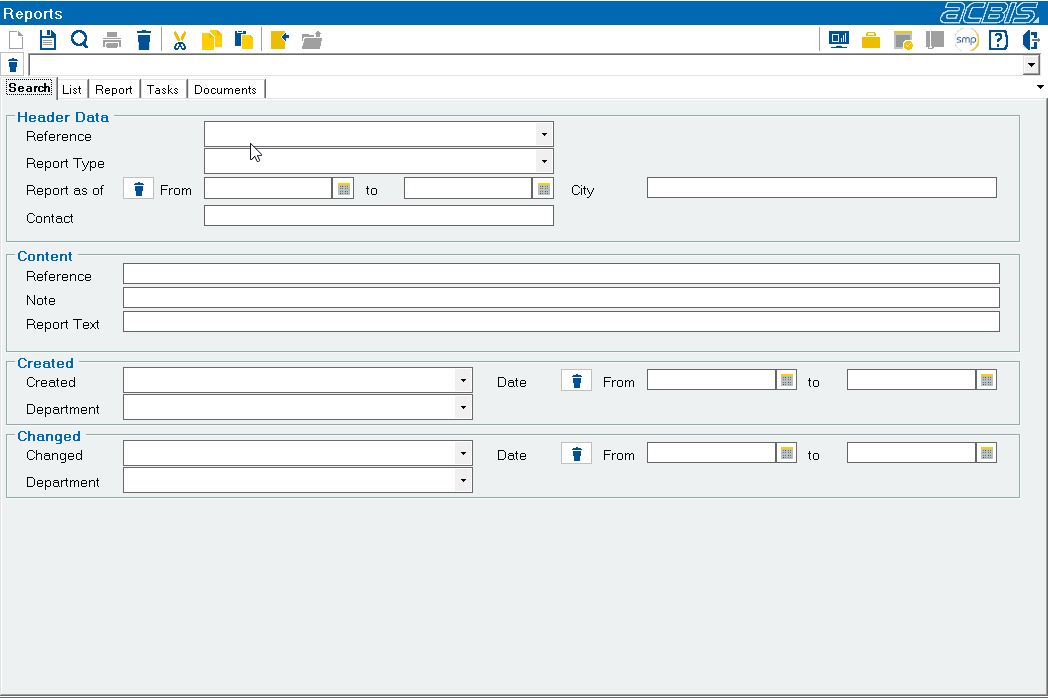
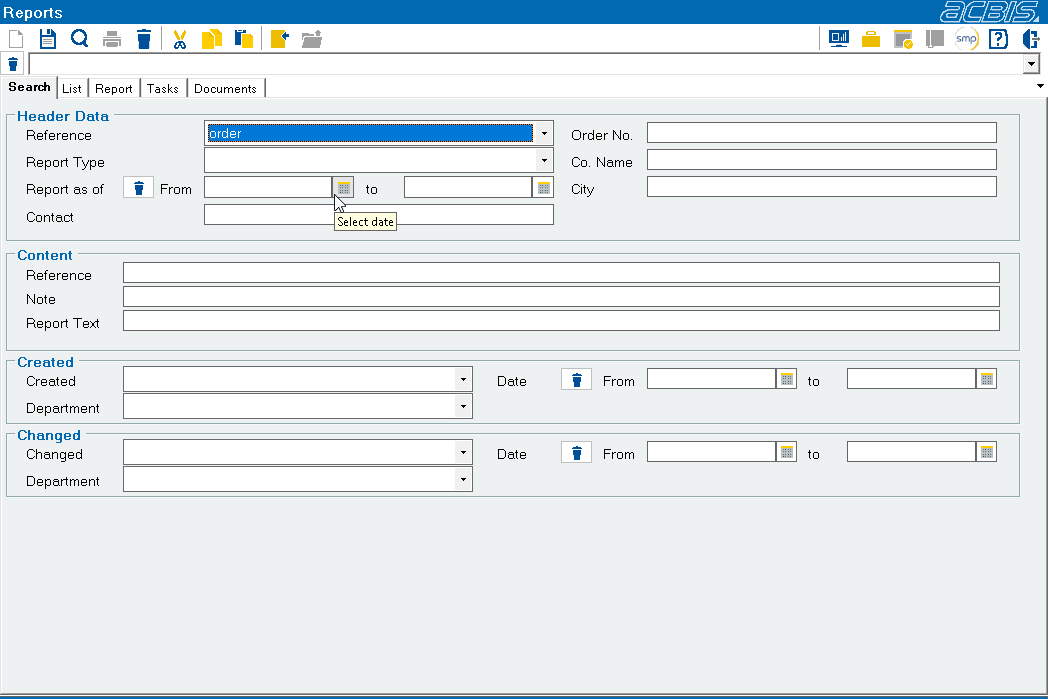
Additional search fields are displayed depending on the selected reference. Example:
As with other SalesManager objects, either a list of results is displayed after the search or the object is opened directly if the search returns exactly 1 result
Further information: Addresses : Search and Addresses : List