
Addresses-List
Addresses : List
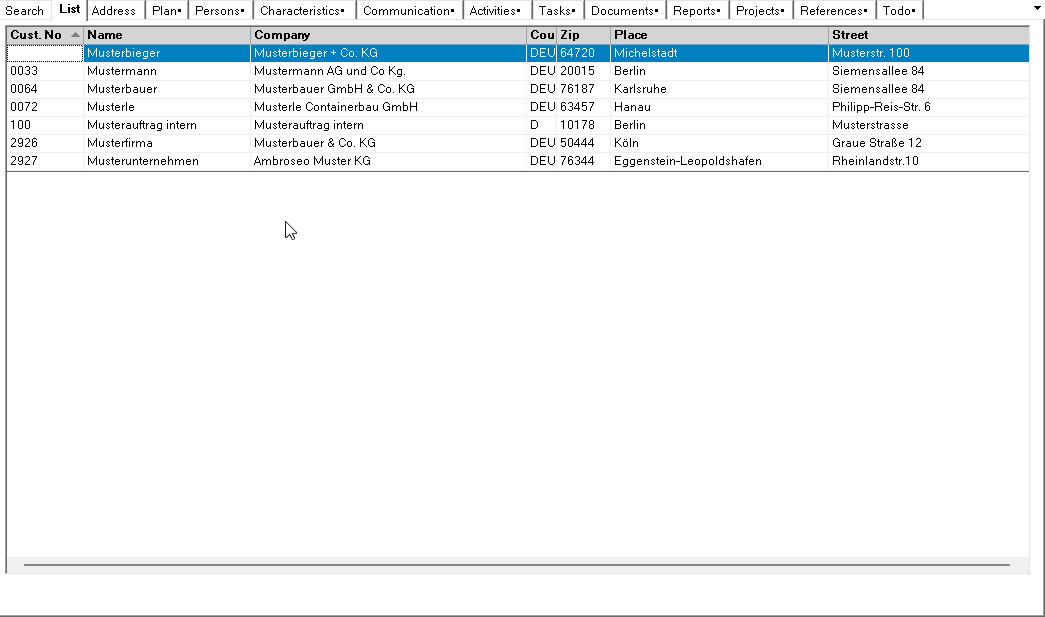
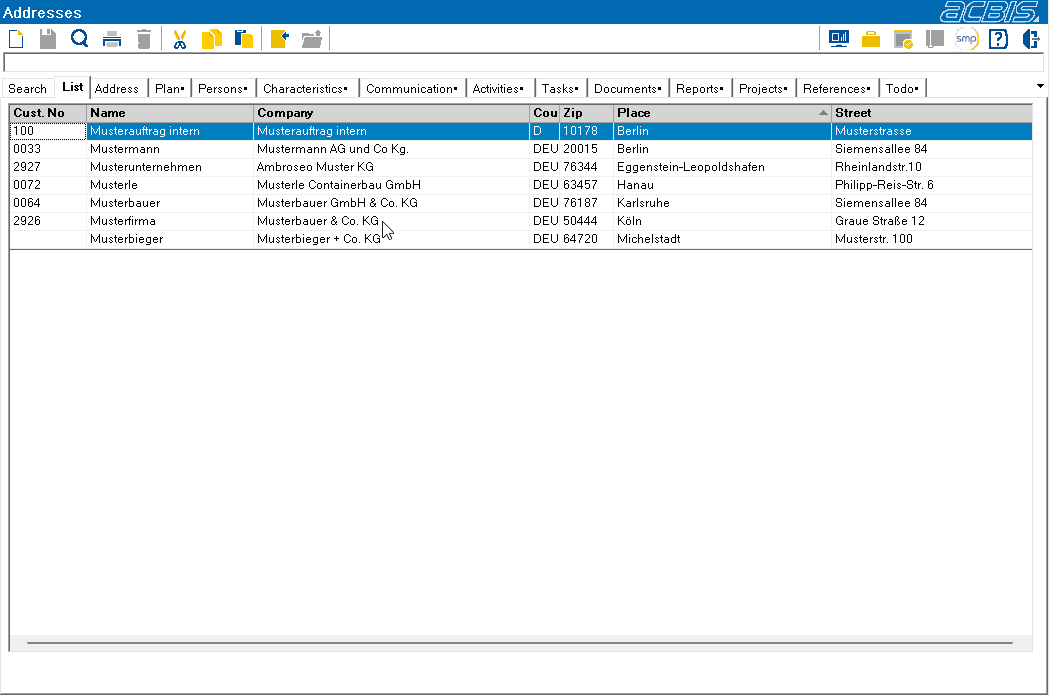
Your search results from the search filter are displayed in this tab. The data records are sorted according to the call name. The data records displayed can be sorted by any column by clicking in the corresponding heading line. If the <alt> key is pressed at the same time, the selected column is used as a further sort criterion. If the shift key (<shift>) is pressed when clicking in the heading row, sorting is in descending order. Sorting is also in descending order if the selected column is sorted. Sorting is indicated by a small arrow in the heading. Double-click on a line to open the corresponding address.
List sorted by customer number:
The same list sorted by location:
If the search has produced more data records than are shown in the list, you can use the navigation icons at the end of the list to scroll between the pages.
See also list.