
Product card-Search and List
Product card : Search and List
The search filter is displayed by selecting the Search tab. Any number of fields can be filled in for the search. The search is always carried out with wildcards at the end of the search strings.
In addition to classifying criteria, the search form also contains search fields for the address.
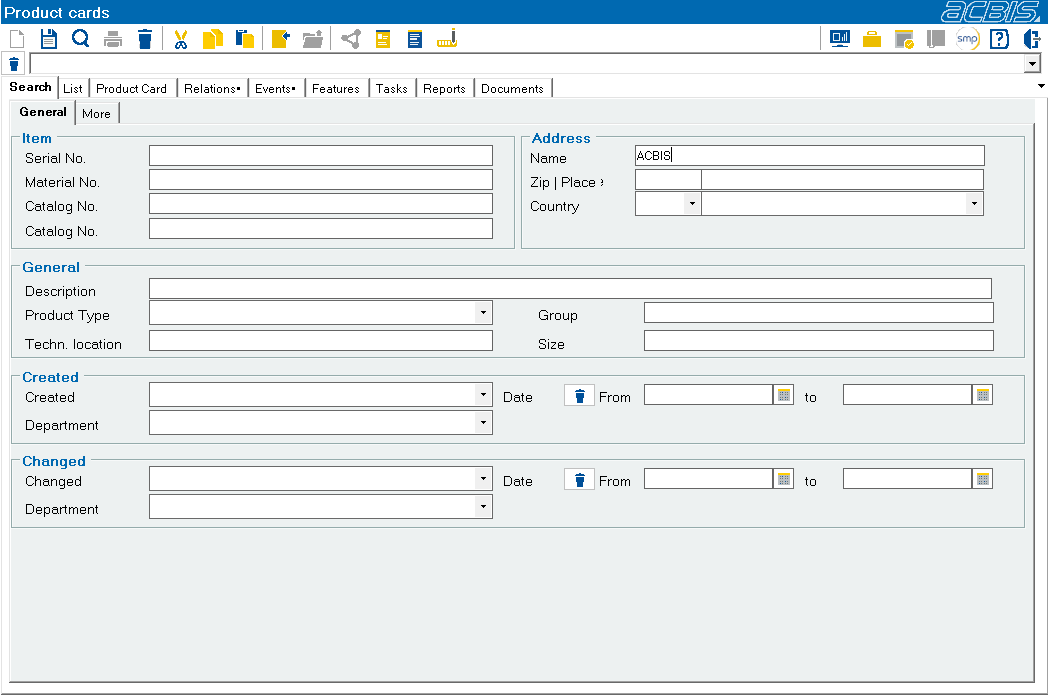
Further information : Addresses : Search
After a successful search, the product cards found are offered for selection in a list:
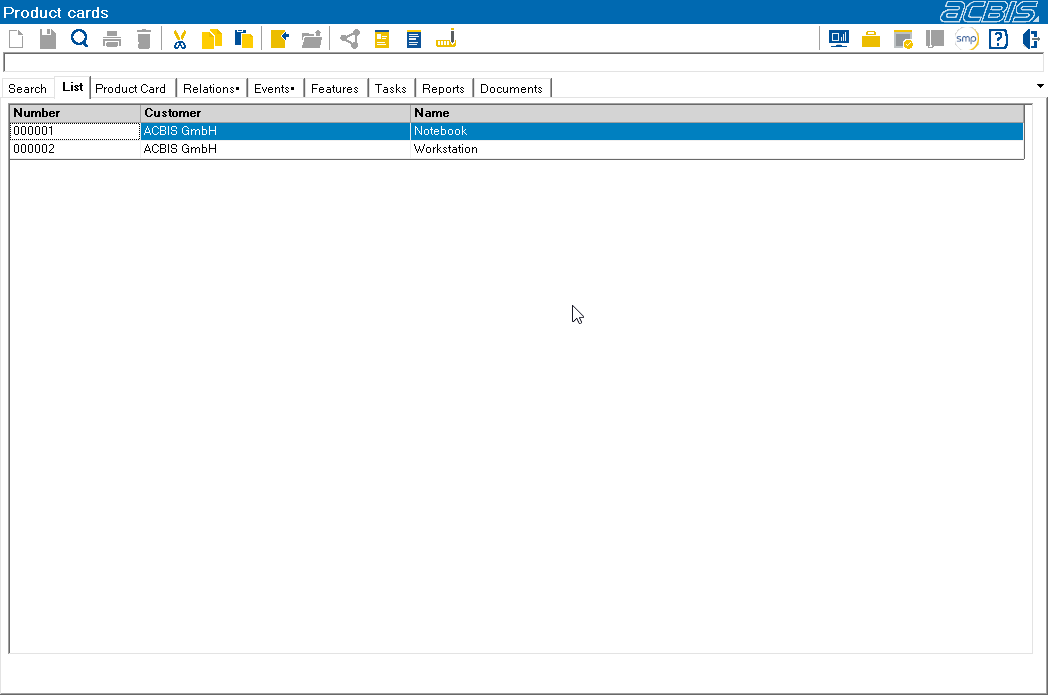
Further information : List