List
List
The search results list is displayed here if more than 1 object was found. Double-click on the desired object to open it. A maximum number of data records to be searched for is set in the control panel so that a search with a filter that is too imprecise does not cause any runtime problems. If the search returns more objects than this number, only this quantity is read and displayed. The sorting of the search result list can be set in the corresponding dialog via the List sorting column in the TP_Dialogs table. Multiple columns are separated by commas. Descending sorting is indicated by the word DESC.
In this case, the following navigation symbols are displayed at the end of the list:

Meaning of the symbols:
 | Go to the first page |
 | Go one page forward |
 | Determine the number of data records found |
 | Read all data records and display them in the list |
 | Go one page backwards |
 | Go to the last page |
If the settings allow this, you can open a context menu in the lists with the right mouse button:

This function is used to export the current list to Excel. This also contains the current sorting.
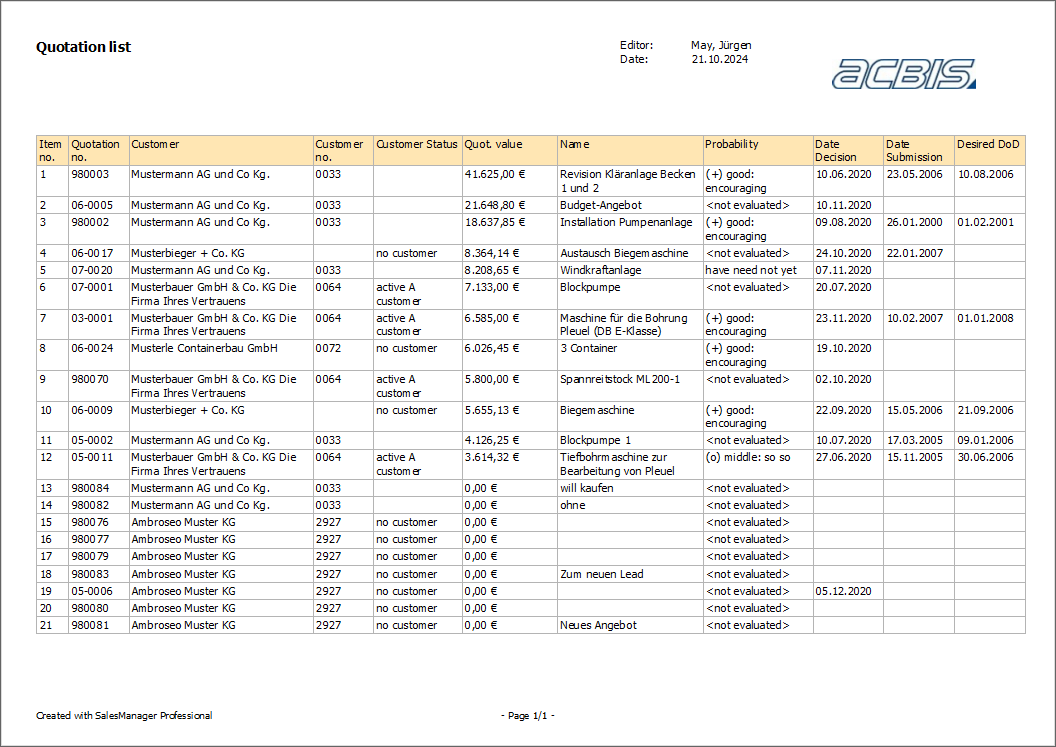
It is also possible to generate one or more reports for each list. If the search was carried out using a saved filter, this name is also displayed in the report: