
Persons-Search
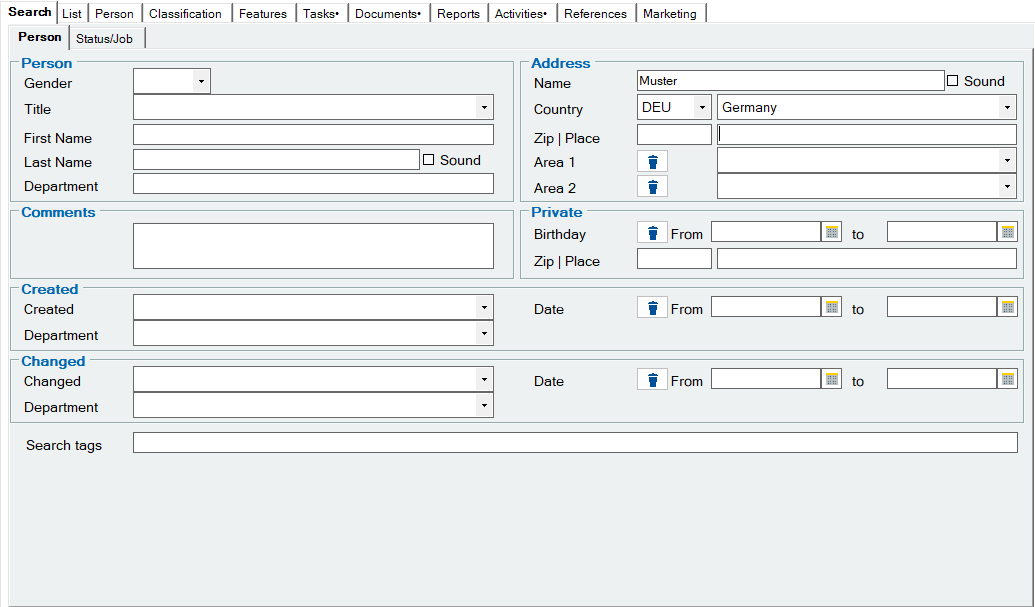
The search filter is displayed by selecting the Search tab. Any number of fields can be filled in for the search. The search is always carried out using wildcards at the end of the search strings. This means that if you want to search for all persons whose name begins with A, you only need to enter an A in the Name field and start the search.
This is done by clicking on the “Search icon“1 in the top toolbar or by pressing “Enter” on the keyboard. A special feature of the person search is the search for the sound of the person's name. This search uses an internal database command that is able to compare similar-sounding texts with each other. With this type of search, even a database that is otherwise case-sensitive is able to find names that are case-sensitive.
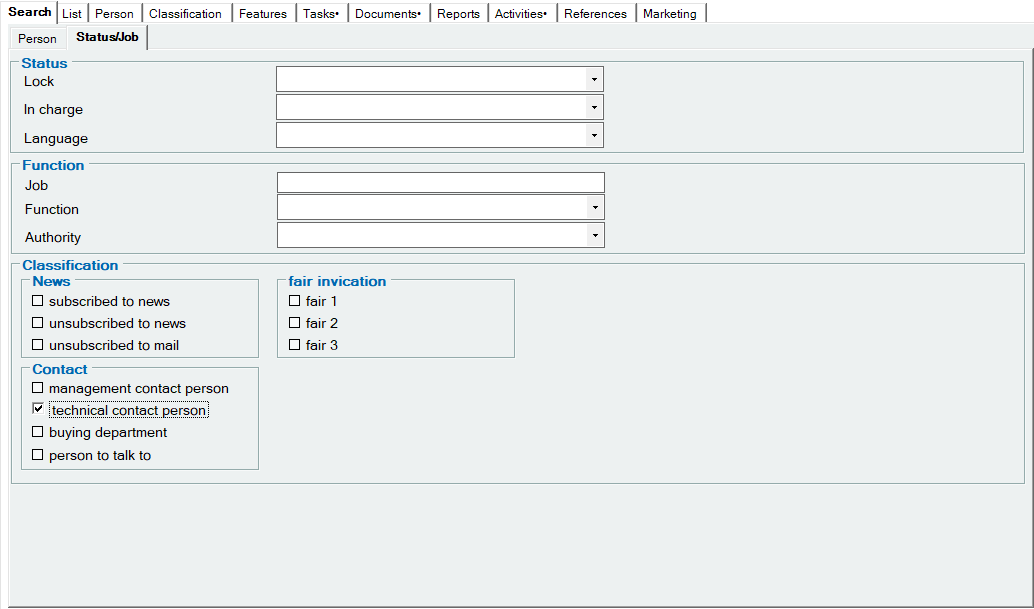
The search criteria can be combined as required. Example: Search for all contacts for technical questions in Germany.

1Search icon
For more information, see the Addresses : Search