
Shopping cart-Shopping cart-Texts
Shopping cart : Shopping cart : Texts
Additional texts for this shopping cart can be entered in the Texts sub-tab. These texts can be used, for example, for an explanation in the offer. The texts can be entered for all languages in the TP_languages table. In addition to an additional text, an item text can be edited, which is saved in RichText format. This text can contain extensive formatting information. After selecting the language, the texts can be entered directly. When switching to another language, the changes are saved automatically.
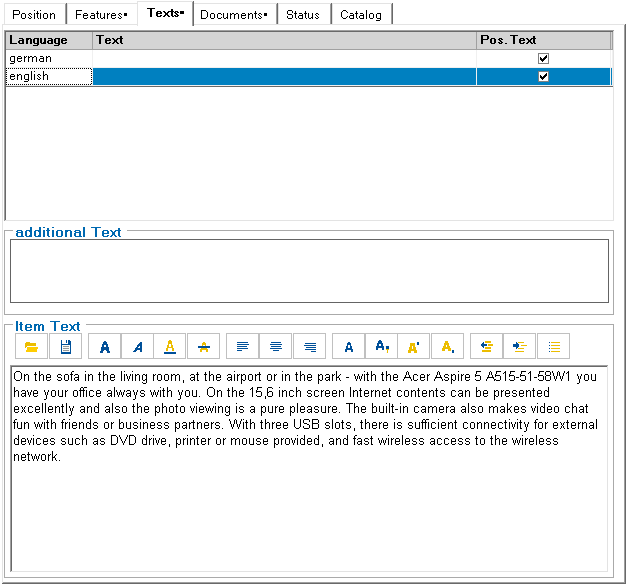
After selecting the desired text block, simply press the symbol for the format. It is also possible to paste text from a Word document into this field using the clipboard. The formatting properties are retained.
Meaning of the symbols:
 | Loading an RTF text from an RTF file |
 | Saving an RTF text to an RTF file |
 | Bold |
 | Italic |
 | Underline |
 | Strikethrough |
 | Left-aligned |
 | Horizontally centered |
 | Right-aligned |
 | Choice of character set and size |
 | Choice of color |
 | Superscript |
 | Depressed |