
Shopping cart-Shopping cart-Shopping cart
Shopping cart : Shopping cart : Shopping cart
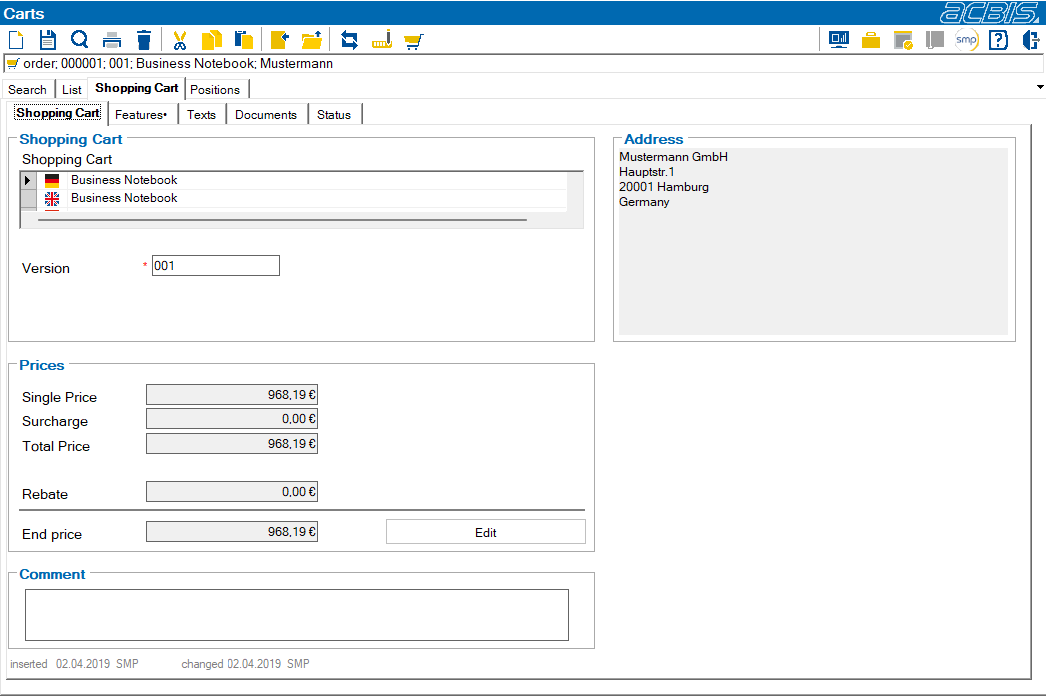
The shopping cart sub-tab is used to manage the descriptions, versions, etc. and to display the prices of the shopping cart. The descriptions can be entered in all languages that are stored in the TP_SysSprachen table.
If the price list module is activated, the following fields appear:
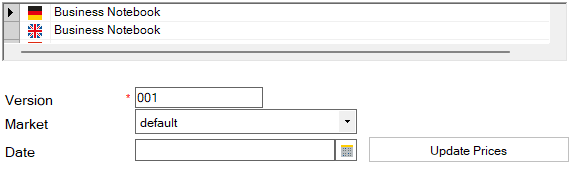
After changing the date or market, you will be forced to press the “Update prices” button to ensure that the prices of all items in the shopping cart are adjusted.