
Shopping cart-Search
Shopping cart : Search
The search filter is displayed by selecting the Search tab. Any number of fields can be filled in for the search. The search is always carried out with wildcards at the end of the search strings. The search for shopping baskets is divided into three subject areas.
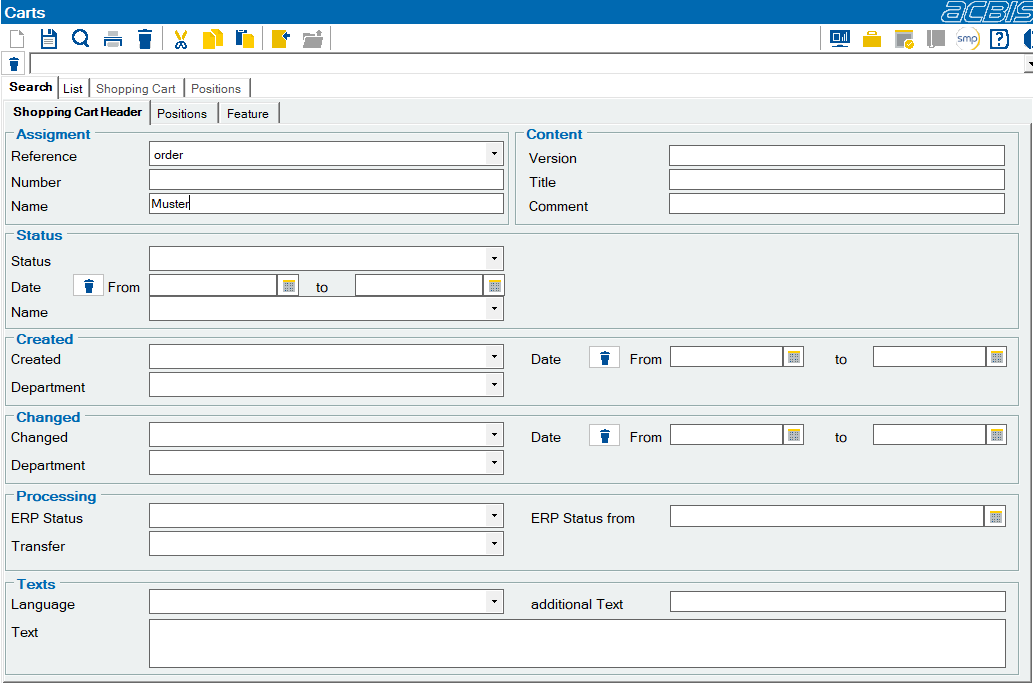
Search for shopping carts with search criteria for the shopping cart header and usage
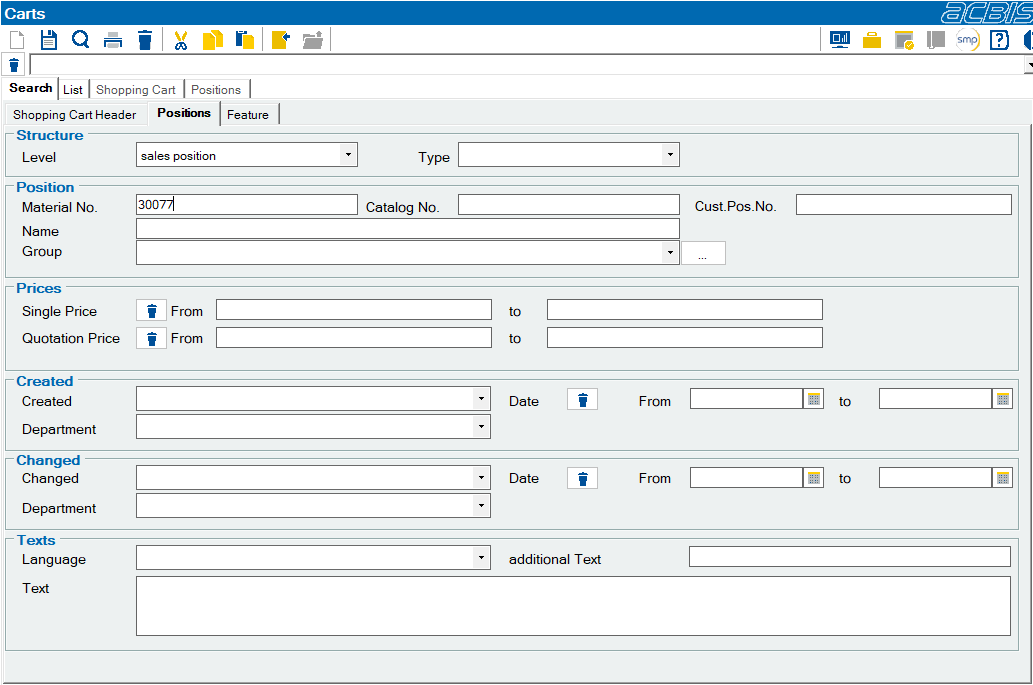
This search can be combined with criteria for the items, such as the material numbers used:
This search can be refined by searching for characteristics of the shopping cart items:
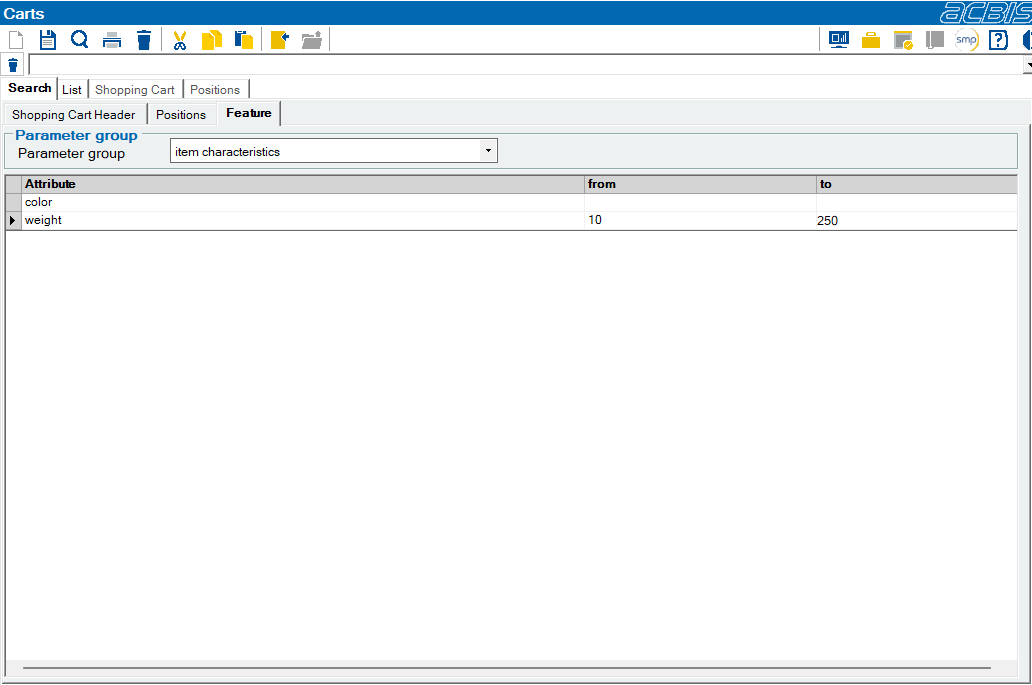
After selecting a characteristic group, a list of the characteristics of this group appears. Depending on the definition of these characteristics, a combo box can be used to select from the different values or a free entry can be made. By entering suitable values in the From and To columns, value ranges for the characteristic can be specified. If only characteristics with specific values are to be searched for, the “to” column can be left empty.