
Shopping cart-Positions-Position
Shopping cart : Positions : Position
The general data for the item, such as item number, description, etc., is maintained in the Item sub-tab. The descriptions can be entered in all languages that are stored in the TP_Sys languages table.
The item prices are also displayed, but can only be changed via an ePOS rule set to prevent the user from making unauthorized use of the pricing. Depending on the system settings, the corresponding item in the product catalog is automatically pulled when the item or catalog number is changed.
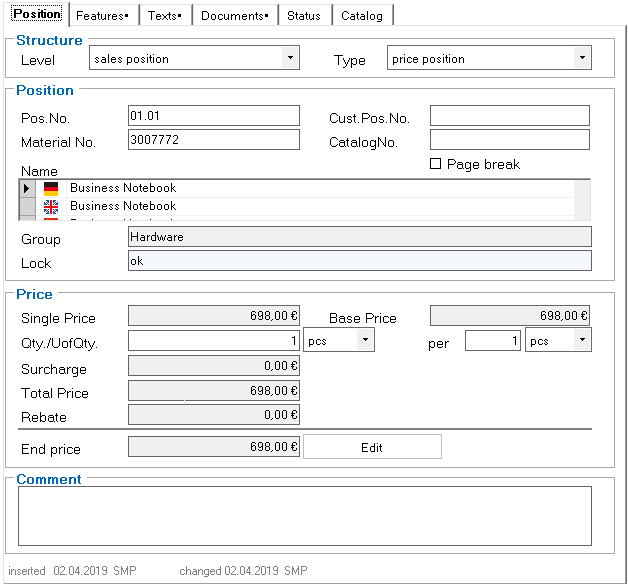
If a shopping cart is in a currency other than the local currency entered, the amounts in local currency are also displayed as tip text in the price fields. The configuration rules are responsible for maintaining these values correctly. The Edit button is used to start a set of rules to configure the product (for configurable items) or to apply the discount.
If the Page break button is checked, a page break is inserted before this position in the output document.