Shopping cart-Positions-Catalog
Shopping cart : Positions : Catalog
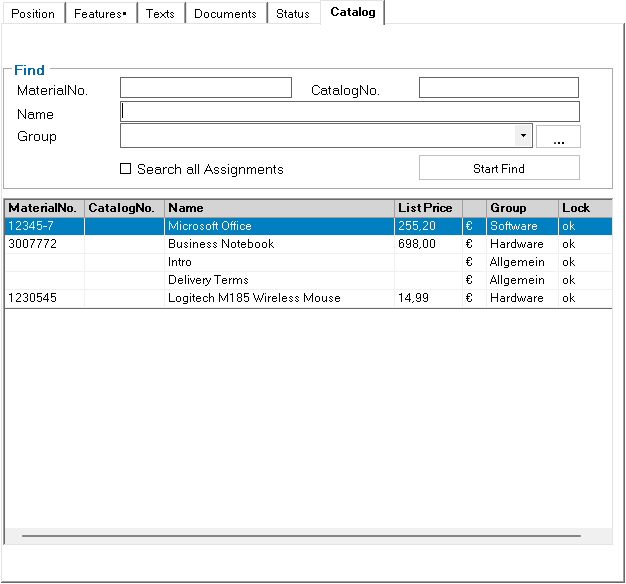
As an alternative to using the catalog displayed as a tree view, this sub-tab is used to search for items by name, item number, etc. in the left-hand area in order to copy them to the shopping cart.
After filling in the search criteria, the \Start search\ button starts the search with these criteria and the results are displayed in a table. The desired item can now be dragged to the desired position in the shopping cart using the mouse.