
Reports-Report-Tasks-Documents
Reports : Report, Tasks, Documents
A report is entered in the “Report” tab. This includes a classification into a report type, date, subject and a detailed text.
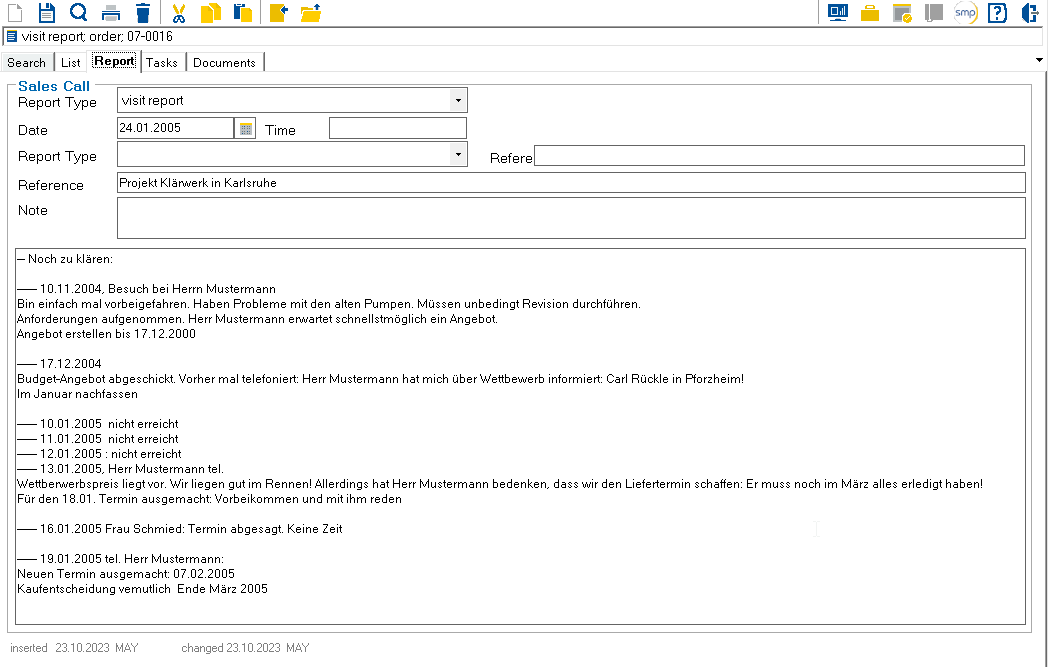
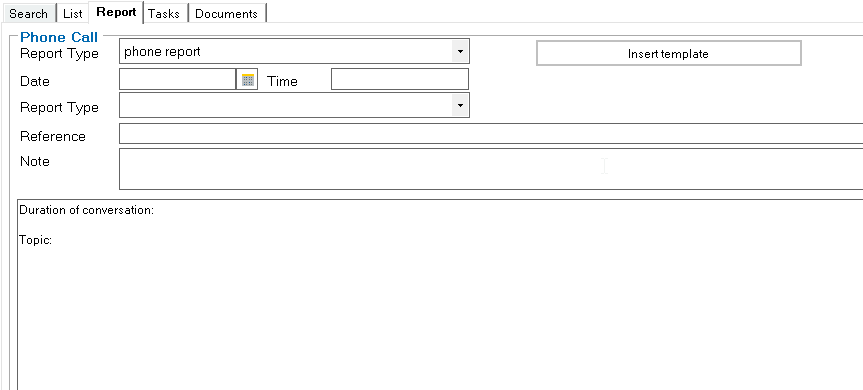
If a template is stored for the selected report type in the Report template column in the Table: TP_Report type, an “Insert template” button is displayed, which copies the template in when clicked.
Example
In the Tasks and Documents tabs, appointments and documents can be assigned to the report.
Further information : Addresses : Tasks and Addresses : Documents