
Quotations-Search
Quotations : Search
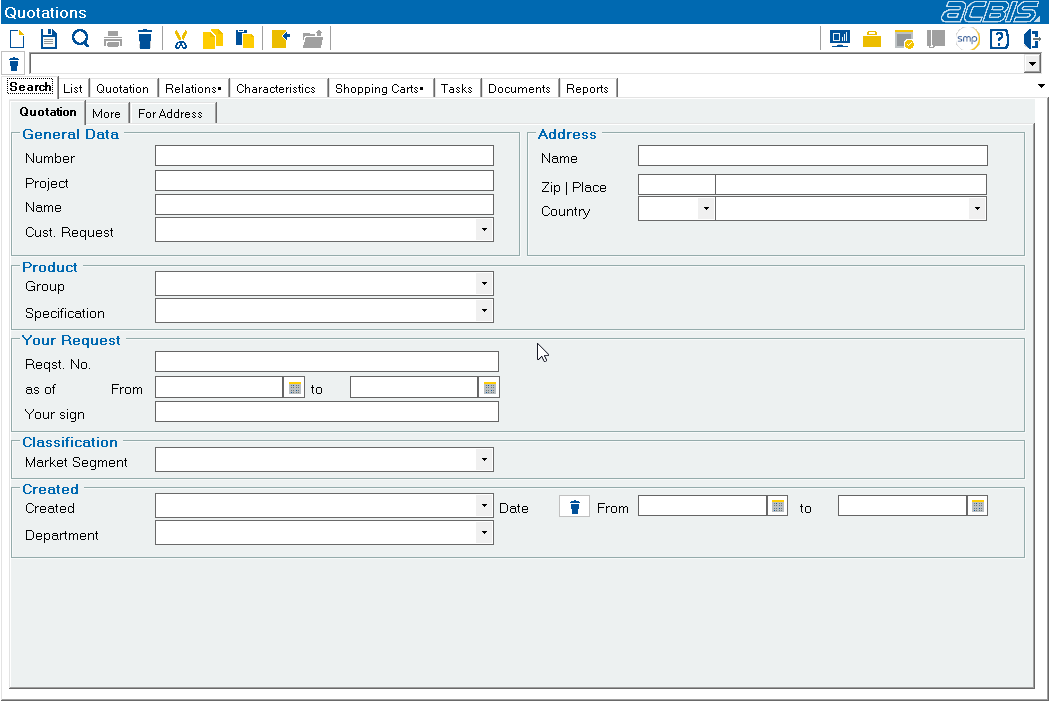
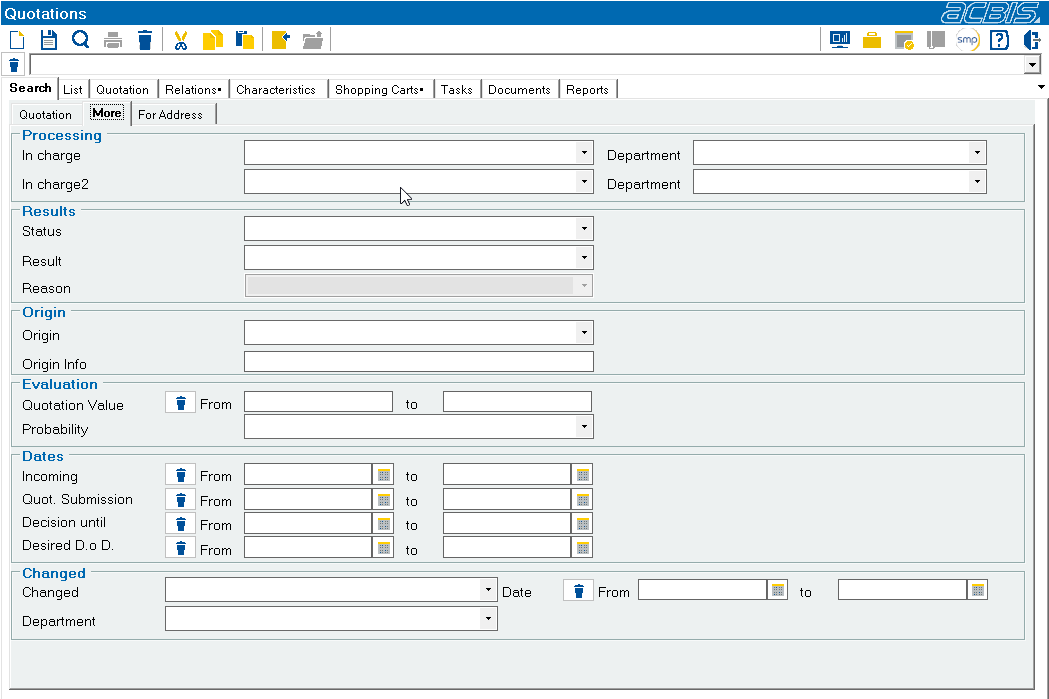
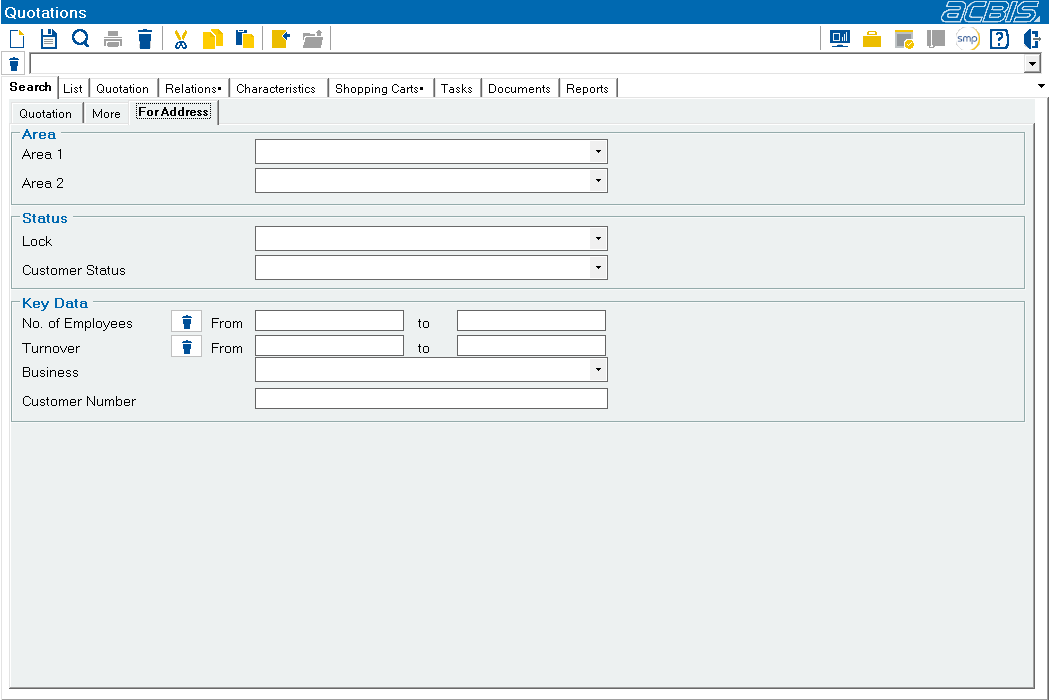
The search filter is displayed by selecting the Search tab. Any number of fields can be filled in for the search. The search is always carried out with wildcards at the end of the search strings. This means that if you want to search for offers for all companies whose call name begins with A, you only need to enter an A in the Call name field and start the search. This is done by clicking on the “Search symbol “1 in the top toolbar or by pressing “Enter” on the keyboard.

1Search symbol
As the listing of offers is not only used to process individual offers, but also to create various reports, the search for offers can be specified according to various criteria.
The search is divided into three tabs.
Further information: Addresses : Search