
Favorites
Favorites
The favorites are structured in the same way as the Explorer, but the favorites are managed manually by the user.
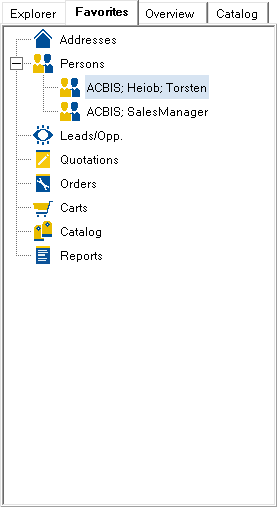
To add an object to the favorites, simply drag it from the title bar into the favorites. Objects can also be opened by simply clicking on them.
By pressing the right mouse button, the context menu appears with the following entries:
Expand all: causes all objects to be displayed.
Collapse all: causes only the folders to be displayed.
Remove from favorites
Refresh: causes a synchronization from the database.