
Explorer
Explorer
The objects for which the user has at least the right to read are displayed in the Explorer. The display is set up as a tree structure. The most recently edited objects are automatically entered below the folders. The number of these objects can be set. Simply click on an object to open it.
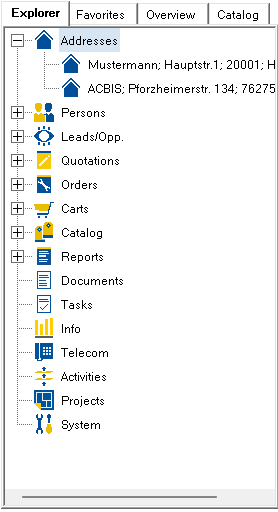
Press the right mouse button to open the context menu with the following entries:
Expand all: causes all objects to be displayed.
Collapse all: causes only the folders to be displayed.
Update: causes a synchronization from the database. Changes that you make to the objects yourself are updated automatically, but not the changes made by other users. If you try to open an object that has been deleted by another user, a corresponding message appears. Refreshing removes the object from the Explorer. An update is performed automatically when the system is started.