
Task list
The task list is opened via the following icon in the toolbar:

This form displays the tasks and appointments of the logged-in user. You can choose whether only active or completed tasks are listed. A distinction is also made between appointments for the user and appointments that the user has assigned to other people.
Double-click on the OK area to set the appointment to completed. Double-click in the rest of the line to open the appointment for editing.
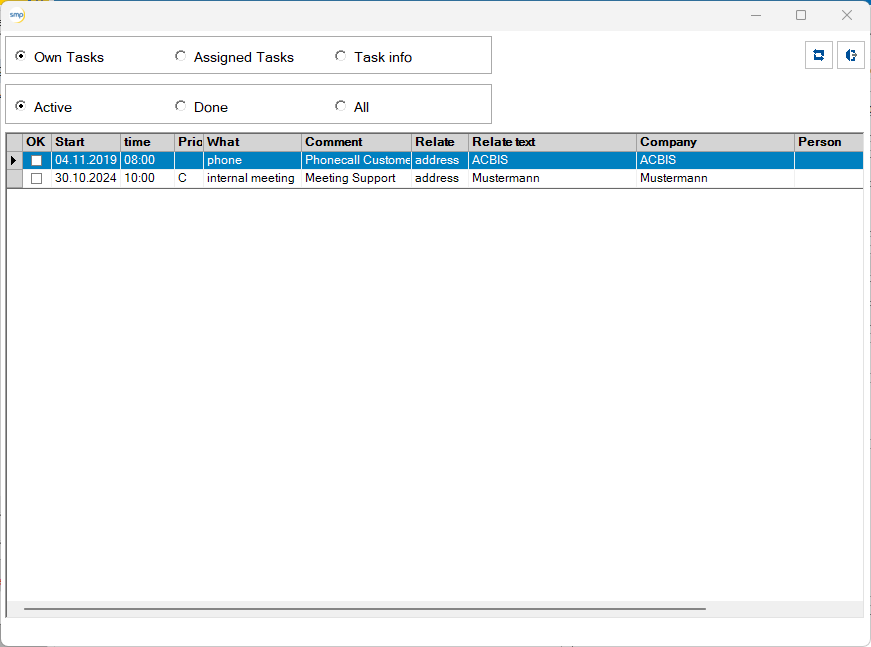
The “Update list ”1 icon updates the content of the list. The form is closed with the “Finish editing ”2 icon.

1Update list

2Finish editing