
Quotations-Reports
Quotations : Reports
This tab shows all reports of the offer.
With the button:

new reports can be created. Double-click on one of the displayed reports to open it for editing.
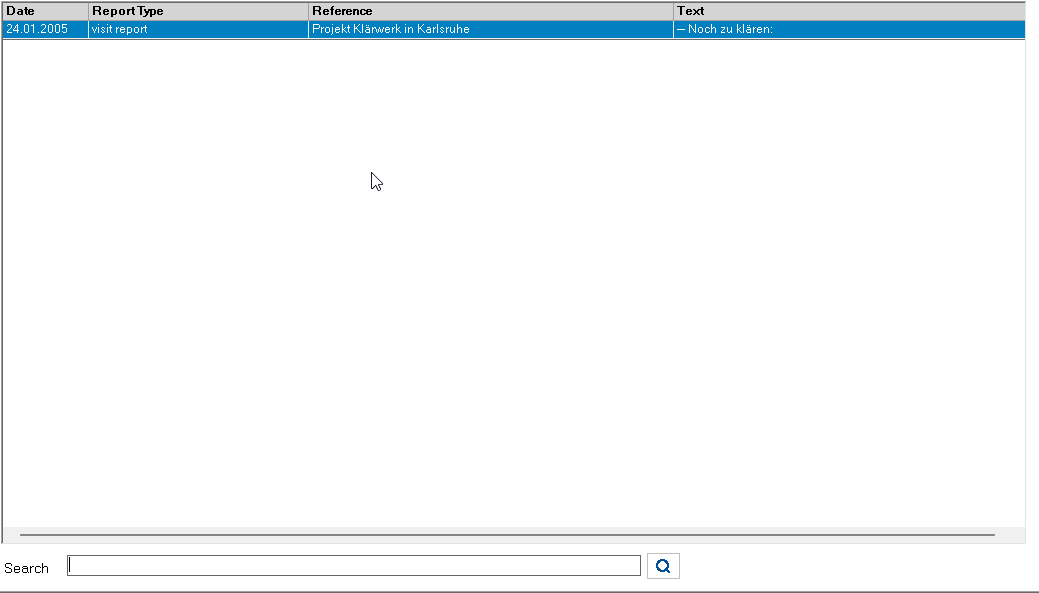
At the bottom of the form there is a search filter with the corresponding search button to filter entries in this list. The filter affects the following columns: Report type, Subject, Report text, Contact person, Note, Location.
Meaning of the symbol on the search button:

The term in the input line is searched for.

The input line is cleared.
Changing the search term switches back to search mode.