
Product card-Events
Product card : Events
This tab displays the list of events that are assigned to the product card. Events are usually maintenance work, service, etc. The list of event types can be maintained by the system administrator. The list of events is usually displayed chronologically. The sorting can be changed at any time by clicking on a column.
Click on an event to display its detailed view in the lower area.
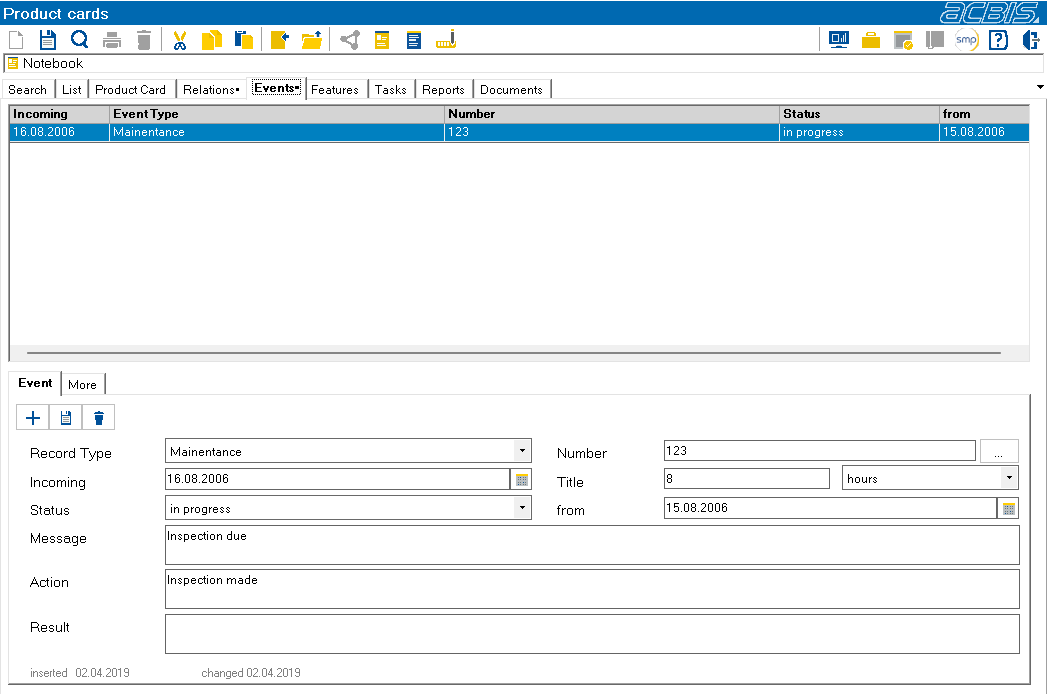
The “Create event”1 and “Delete event”2 buttons can be used to create new events or delete events. If desired, characteristics can be assigned to the product events, which are displayed in the Other sub-tab.

1Create event

2Delete event