
Marketing-Activity list
Marketing: Activity list
This tab displays the list of actions that are assigned to the campaign. Actions are usually serial letters, serial mails, etc. The list of action types can be maintained by the system administrator.
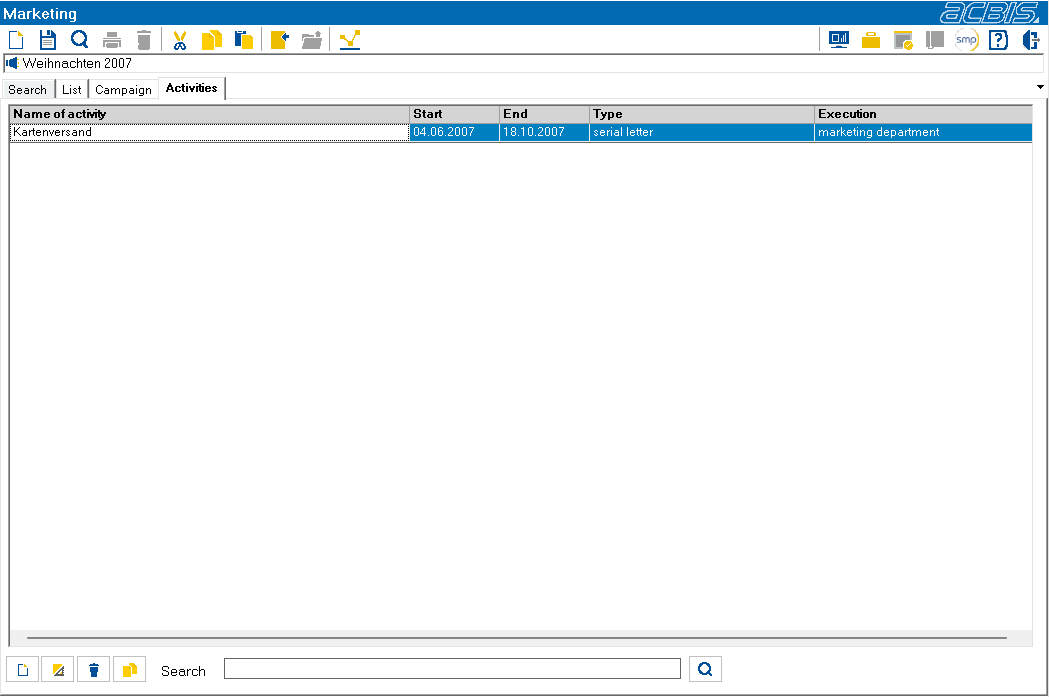
If an action is defined, the action is given a name and an action type (letter, e-mail, telephone action). The responsibility for the action is defined, as well as deadlines and processing information.

New actions can be created using the “New” button.

The “Edit” button is used to access action editing.

The “Delete” button deletes the selected action.

An action can be copied using the “Copy” button. All selections and settings are duplicated, but not participants and action status.
You can use the search function to reduce the number of actions displayed in the list. The search term entered in the input field is searched for in the fields Action name, Action type and Execution.