Infosystem
Infosystem
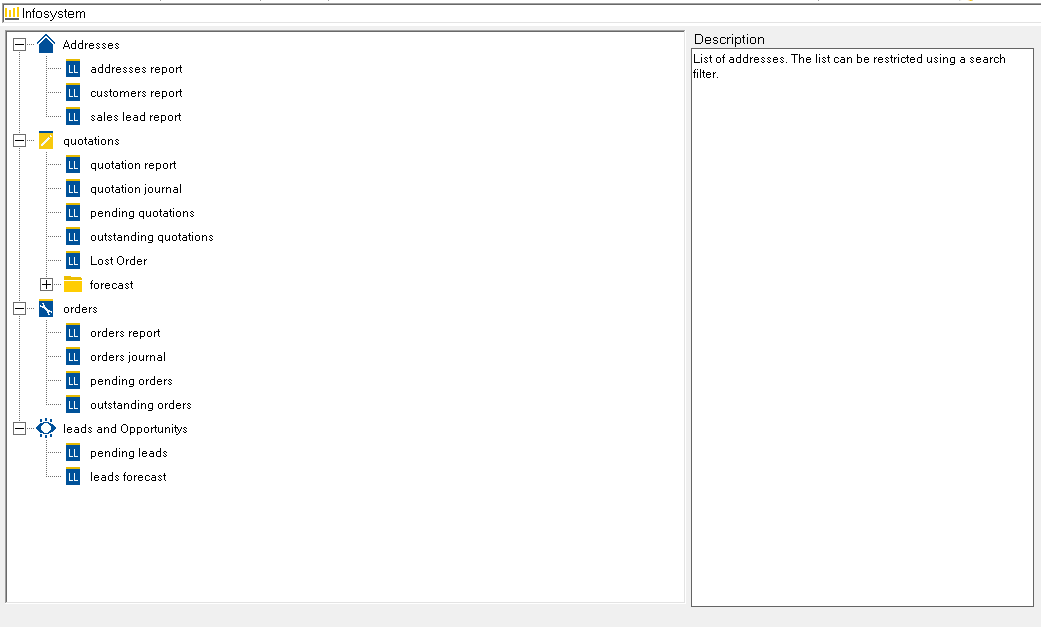
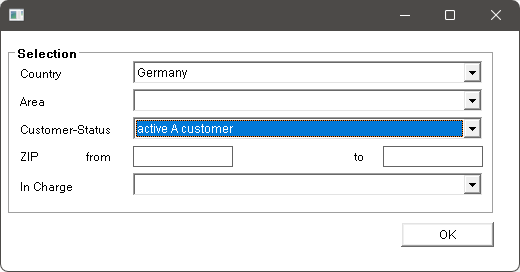
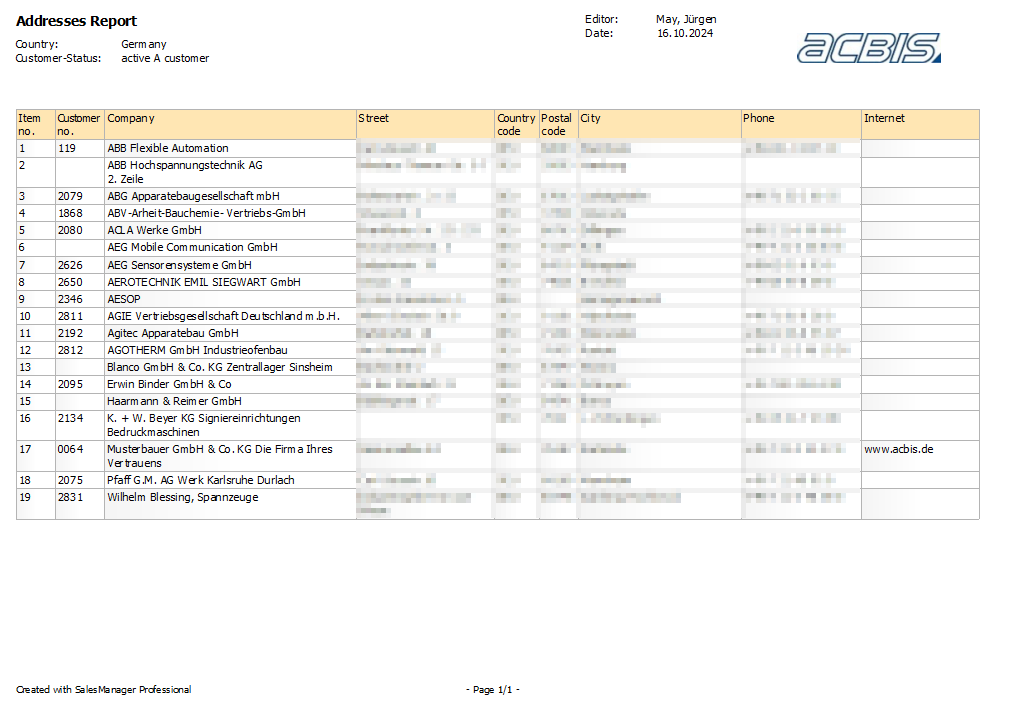
The info system generates evaluation lists and statistics for customers (addresses), contacts, orders and other applications. The type of evaluation is defined in the “Info system” folder. The evaluation is started by clicking on the desired report and starting it with the “Print”1 symbol, alternatively by double-clicking on the report. With the exception of the predefined reports, a dialog appears after starting the report to enter the desired filters and then start the evaluation.

1Print
A description of the respective report can be stored in the right-hand area of the dialog.