
Customer file
Customer file
The following toolbar icon opens the customer file:

1Open customer file
The relevant data for the current address is displayed in chronological order in a list. This is done in a separate window so that you have the option of selecting different objects one after the other.
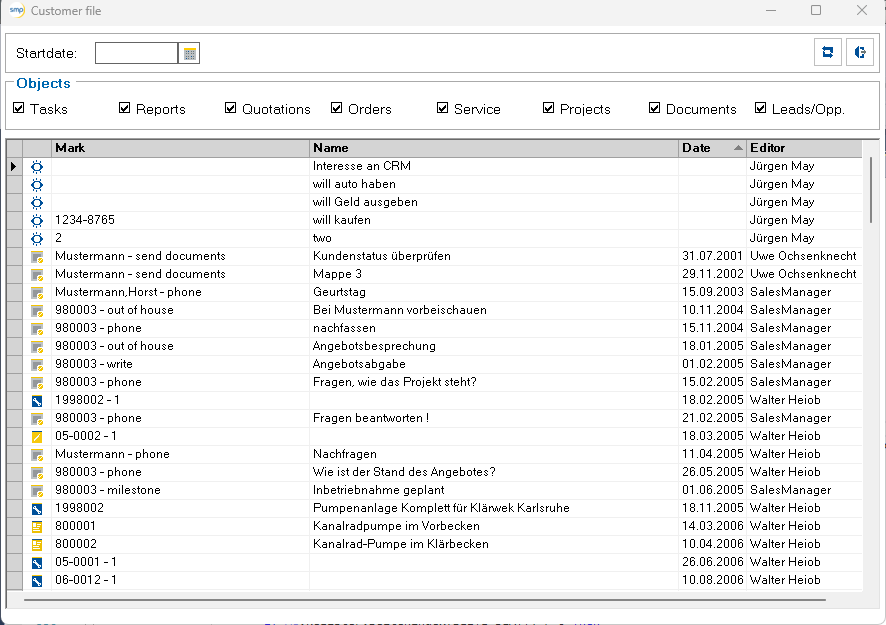
At the top of the customer file there is a date filter and filter options to filter the amount of information displayed. Double-click on a line to open the corresponding object. The customer file window then disappears in the background. Press the “Open customer file ”1 icon again or use the icon in the computer taskbar to bring the window back to the foreground.
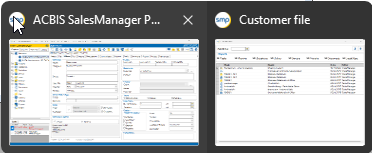
Optimum handling is achieved if the customer file window can be moved next to the SalesManager window.