
Addresses-Persons
Anschriften : Persons
The employees of the company described under “Addresses” are displayed here. The persons are sorted in ascending order by surname. By double-clicking on a person in the list, the person's data is offered for modification.
See also: Addresses:Relationships.
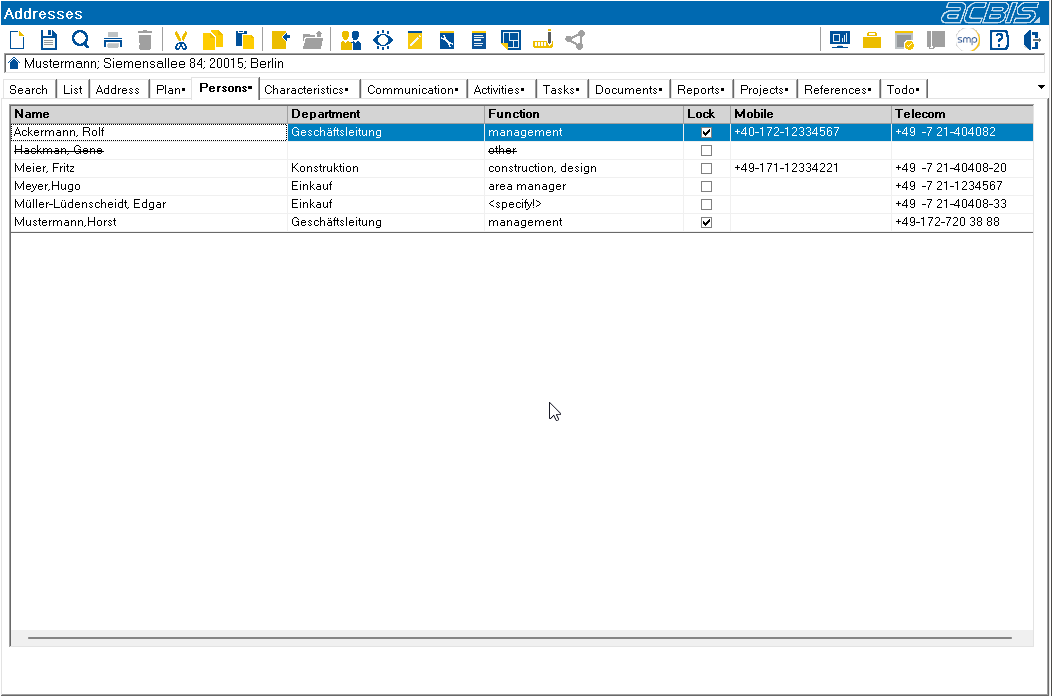
The type of telecommunication displayed can be selected in the context menu that appears when the right mouse button is pressed.
You can create a new person for the current address using the toolbar symbol:

After entering the personal data, you can switch back to the address from the person dialog using the following toolbar symbol:
