
Addresses-Relationships
Addresses : Relationships
Relationships between different addresses and/or persons can be mapped in this register. (E.g. supplier / customer.)
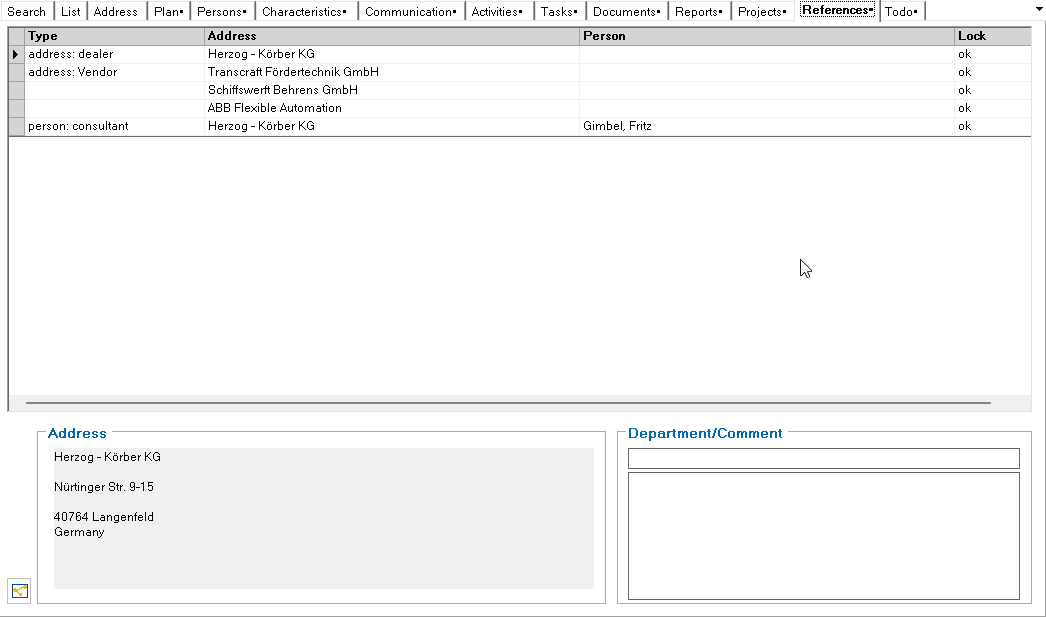
Double-click on a relationship to change the view to the corresponding address or person.
A new relationship is created using the following symbol in the toolbar:

Create relationship
The following dialog appears:
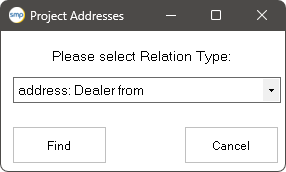
After selecting the relationship type, the filter is used to select the address / person. In the results list of this search, the desired data record can be selected by double-clicking. When entering, the corresponding counterpart is automatically entered for the target address. In the example above, when entering the company ACBIS as the supplier, the company ACBIS enters the company Mustermann as the customer.


The relationship types are maintained in table : TP_PrjansArt.
The delivery and invoice address defined for an address in the relationships is passed on to the quotation or order when it is created.
Relationship diagram
The following symbol in the bottom left-hand corner of the tab shows a graphical relationship diagram

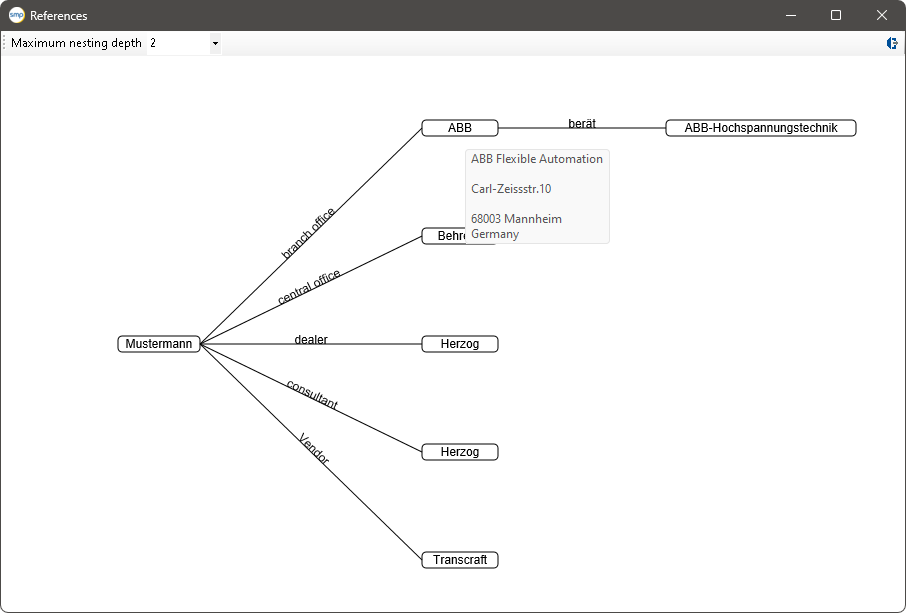
The maximum nesting depth can be set via a selection box. When moving over a node, the address label is displayed as a tooltip. Clicking on the node opens the address.