
Addresses-Reports
Addresses : Reports
All reports for the address are displayed in this tab.
A report is created using the following symbol in the toolbar:

Create new report
Double-click on one of the displayed reports to open it for editing.
If the “Dependent reports” alternative switch is activated, all reports that are indirectly linked to the address are displayed. All reports that are assigned to the persons, offers, orders, etc. of this address.
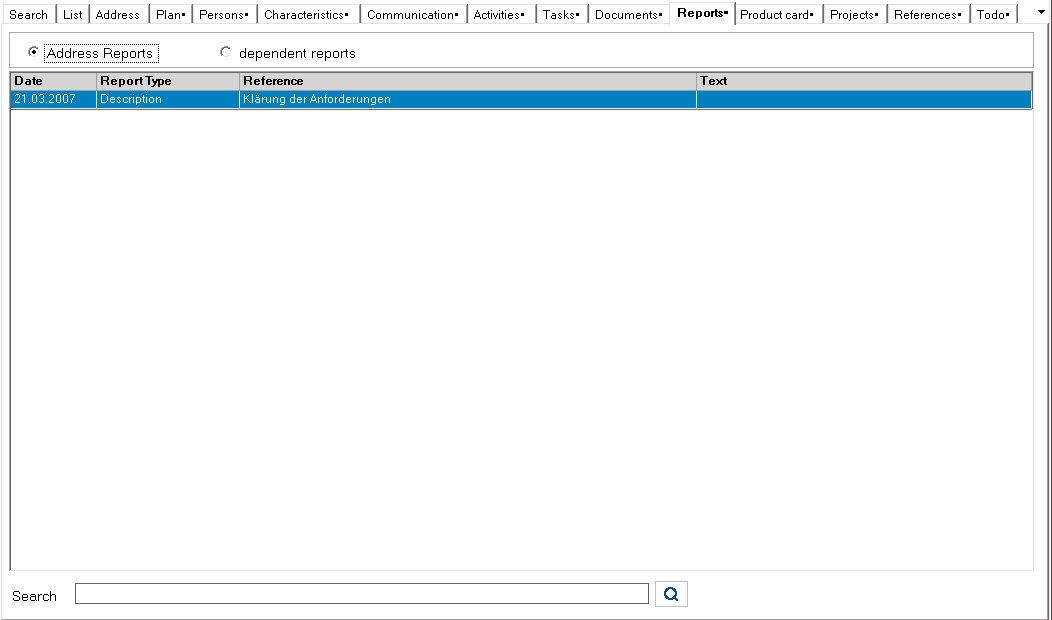
At the bottom of the form there is a search filter with the corresponding search button to filter entries in this list. The filter affects the following columns: Report type, Subject, Report text, Contact person, Note, Location.
Meaning of the symbol on the search button:

The term in the input line is searched for.

The input line is emptied.
Changing the search term switches back to search mode.